starship/starship
Getting started
This page is for working on Starship locally — building from source, running tests, and trying the binary in a real shell. End-user installation lives in the project README.md.
Prerequisites
| Tool | Version | Notes |
|---|---|---|
| Rust toolchain | stable, MSRV 1.90 |
Cargo.toml declares rust-version = "1.90". CI tests stable and nightly. |
rustfmt |
matching toolchain | required to pass the format check (.rustfmt.toml overrides defaults). |
clippy |
matching toolchain | CI runs with -D warnings (clippy.toml is repo-tuned). |
dprint |
latest | formats Markdown, TOML, JSON, YAML (.dprint.json). |
git |
any modern version | several modules and tests need a real git binary on PATH. |
mercurial (hg) |
optional | needed only to run the hg_branch / hg_state integration tests. |
| Node.js + npm | optional | needed only to run the docs site (docs/). |
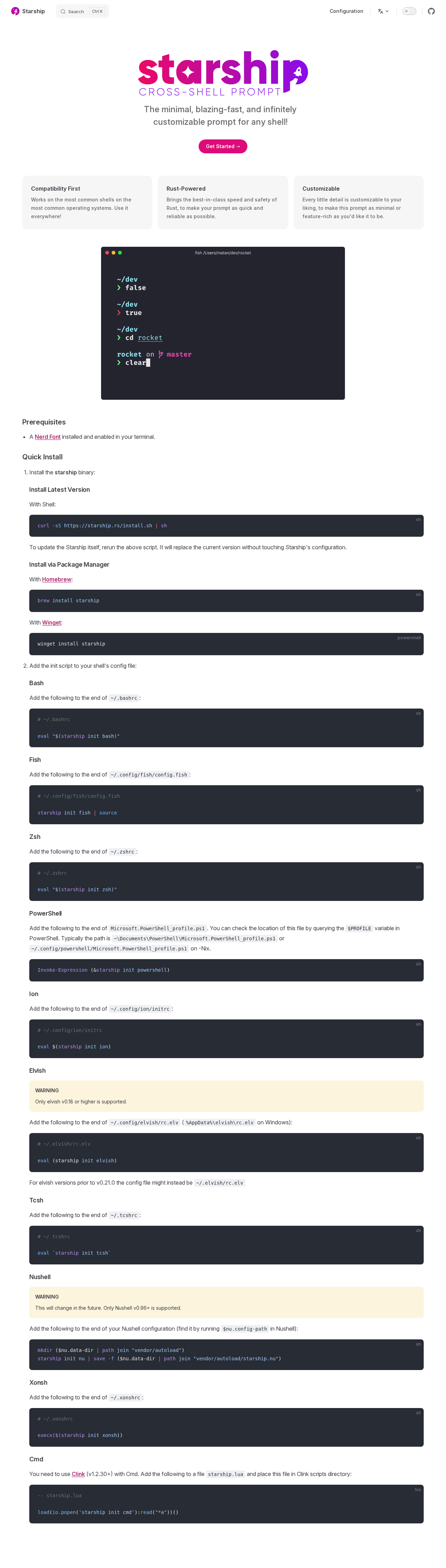
A Nerd Font terminal is recommended at runtime so that the default symbols render, but is not needed for development or tests.
Cloning and building
git clone https://github.com/starship/starship.git
cd starship

# Debug build (fast compile, slow run)
cargo build

# Release build (slow compile, fast run; matches the published binary)
cargo build --release
The compiled binary lands at target/debug/starship or target/release/starship. Cargo features:
default = ["battery", "notify"]— battery and notify-rust are on by default.battery— pulls instarship-battery. Disable on platforms where it does not build (e.g., Termux).notify— desktop notifications vianotify-rust. Disable on Darwin under Nix if it does not build.config-schema— adds thestarship config-schemasubcommand backed byschemars.
So a typical "everything on" build is cargo build --release --all-features, and a minimal one is cargo build --release --no-default-features.
Running the binary in your shell
Without installing, you can wire up the freshly built binary to your current shell by pointing it at the absolute path:
# bash
eval "$("$(pwd)"/target/release/starship init bash)"

# zsh
eval "$("$(pwd)"/target/release/starship init zsh)"

# fish
"$(pwd)"/target/release/starship init fish | source
The two-phase init that this triggers is described in init scripts.
Running tests
# Whole workspace, all features, including ignored tests (slow but exhaustive)
cargo test --all-features --locked --workspace -- --include-ignored

# Just one module
cargo test rust::tests --

# Just non-ignored, faster smoke run
cargo test --all-features --locked --workspace
Most module tests use the ModuleRenderer helper in src/test/mod.rs, which mocks env vars, command output, file system, and config. See Testing for patterns.
Tests that depend on real binaries on PATH (e.g., git, hg) are gated behind #[ignore] and CI provides the binaries. Locally, --include-ignored runs them too.
Code coverage in CI uses cargo llvm-cov and uploads to Codecov; you can replicate it locally with the same command.
Linting and formatting
# Clippy on all targets/features (CI uses -D warnings)
cargo clippy --all-targets --all-features -- -D warnings

# Rustfmt
cargo fmt --all

# dprint (Markdown, TOML, JSON, YAML)
dprint fmt
dprint is a separate install (cargo install dprint or via your package manager). The repo's .dprint.json and .rustfmt.toml lock down the style.
Updating the config schema
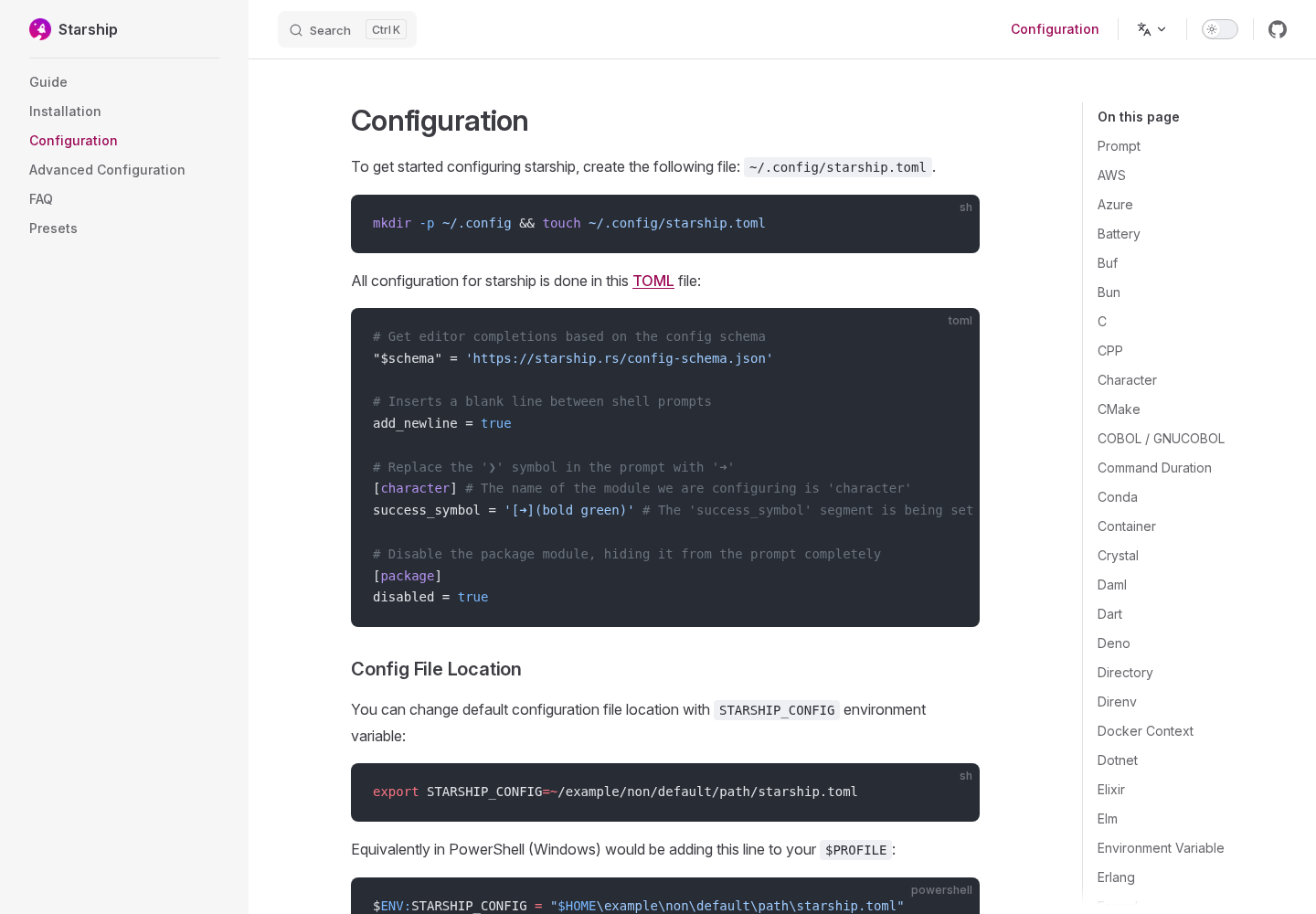
If your change adds or modifies any field on a config struct in src/configs/, regenerate the JSON schema and commit it:
cargo run --features config-schema -- config-schema > .github/config-schema.jsonCI will fail your PR (check_if_config_schema_up_to_date job in .github/workflows/workflow.yml) if you forget.
Trying changes interactively
# Print the prompt with no special args (uses the default config)
target/release/starship prompt

# Print one module
target/release/starship module rust

# Show timings for the current prompt
target/release/starship timings

# Show what each module is doing
target/release/starship explain

# Print the full default config
target/release/starship print-config --default

# Print a packaged preset
target/release/starship preset gruvbox-rainbow
Logging
Set STARSHIP_LOG=trace (other levels: error, warn, info, debug, trace) to get verbose logs. By default they are written to a session log file in ${STARSHIP_CACHE:-$HOME/.cache}/starship/session_<id>.log — see src/logger.rs for the cleanup behavior. To send logs to stderr while developing, run a single subcommand directly:
STARSHIP_LOG=trace target/release/starship promptRunning the docs site
cd docs
npm install
npm run dev
Translations are managed via Crowdin and should not be edited directly — see Contributing.
Common pitfalls
cargo testrandomly fails on Windows if agitbinary onPATHinterferes — most ignored tests pin a freshtempdir. Re-running usually clears it.- Slow compile after changing many module files —
lto = trueandcodegen-units = 1are only set in thereleaseprofile (Cargo.toml); usecargo buildfor the dev loop. gixerrors at runtime — Starship pinsgixwith a curated feature set and a non-defaultmax-performance-safe. Don't add gix features without checking other module impacts (issue #4251 lists the rationale).
Built by Factory AutoWiki from public repository content. It is a generated preview for codebase exploration, not source-maintained documentation.